
Offline
Data to Decisions: Official Google Cloud Track
Duration
40+ Hours
Level
Beginner to Intermediate
Delivery
On Campus
Certificate
3 Official GCP Course Completions
Start Date
28th September
Overview
Three official Google Cloud courses. One credential stack.
Most data training teaches you a tool. This teaches you a stack, and the
difference matters when you’re sitting across from an interviewer.
The programme is built as three layers that rest on each other. You start with BigQuery, where you work with SQL on enterprise-scale
datasets — querying, cleaning, transforming, and ingesting data the way a working
analyst does. You move into Looker, learning to build the dashboards and visualisations that decision-makers
actually read. You finish with Generative AI Leader, stepping back from the tools to
understand how AI adoption is planned, governed, and led inside an organisation.
By the end, you can query the data, present it, and speak about it strategically.
Very few candidates can do all three.
Everything here is Google Cloud’s own curriculum. The courseware, the labs, and the
lab environments are the same ones used in Google Cloud’s enterprise training,
delivered in person on campus by a Google Cloud certified instructor through
CloudThat, an authorised Google Cloud training partner. Nothing is written
in-house, and nothing is adapted.
The programme spans 20 modules, 12 hands-on labs, and 20 classroom activities. It
assumes no prior cloud experience. Basic familiarity with SQL will help you move
faster through the BigQuery modules, but it is not required to enrol.
What you will learn
The 3-Layered Structured Stack
The program is engineered around a powerful 3-layered capability stack where each layer rests organically on the one beneath it. You do not just learn isolated tools; you master the complete pipeline from raw data to strategic enterprise decisions:
- Foundation Layer (BigQuery for Data Analysts): Ingest, clean, and query enterprise-scale data using SQL. Build scalable data pipelines with Dataform and leverage BigQuery Studio for AI-assisted workflows.
- Insight Layer (Analyzing and Visualizing Data in Looker): Turn complex analytical queries into interactive dashboards and looks that executive decision-makers act upon. Master dimensions, measures, filters, and table calculations.
- Strategy Layer (Generative AI Leader): Lead organizational AI adoption rather than merely operating tools. Master foundational LLM concepts, prompt engineering, the Gemini ecosystem, and deploy scalable AI agents.
Curriculum
Foundation Layer: BigQuery for Data Analysts
Work with enterprise-scale data the way a practising analyst does ; querying, cleaning, transforming, ingesting, and building pipelines.
- M00 · Course introduction — Agenda and orientation
- M01 · BigQuery for data analysts — Data analytics on Google Cloud · From data to insights · Real-world transformation use cases · On-premises versus cloud analytics
- M02 · Exploring and preparing your data — Common exploration techniques · Analysis of large datasets · Query basics · Working with functions · Enriching queries with UNIONs and JOINs
Labs: Exploring an ecommerce dataset with SQL · Troubleshooting common SQL errors · Solving data join pitfalls - M03 · Cleaning and transforming your data — Five principles of dataset integrity · Cleaning and transforming with SQL · Alternative transformation options
- M04 · Ingesting and storing new datasets — Permanent versus temporary tables · Ingesting new datasets · External data sources
Labs: Creating new permanent tables · Ingesting and querying new datasets - M05 · Visualising your insights — Visualisation principles · Connected Sheets · Common visualisation pitfalls · Looker Studio · Analysis in a notebook
Labs: Connected Sheets quick start · Explore and create reports with Looker Studio - M06 · Scalable pipelines with Dataform — What Dataform is · Creating a repository and development workspace · Building and executing SQL workflows
Demo + Lab: Create and execute a SQL workflow in Dataform - M07 · BigQuery Studio — Unified analytics · Asset management · Embedded AI assistance · Integrations with Dataform and Dataplex
Labs: Analyse data with AI assistance · Generate personalised content with continuous queries and Gemini - M08 · Summary — Consolidation of key topics
Insight Layer: Analyzing and Visualizing Data in Looker
Turn analytical queries into dashboards decision-makers act on. Does not cover LookML or Looker admin functions.
- M01 · The Looker platform — What Looker is · The user interface · Organising content with folders (1 quiz)
- M02 · Data analysis building blocks — Dimensions · Measures · Using dimensions and measures together · Filtering dimensions · Filtering measures (3 demos, 1 lab, 1 quiz)
- M03 · Working with Looker content — Filtering Looks · Introducing dashboards · Filtering dashboards · Curating content in boards (1 demo, 1 quiz)
- M04 · Customising Explores — Pivoting data · Table calculations and their types · Writing table calculations · Offset functions · Writing offset calculations (4 demos, 1 lab, 1 quiz)
- M05 · Creating new Looker content — Creating new Looks · Creating new dashboards (1 quiz)
- M06 · Sharing Looker data with others — Sharing and scheduling Looks · Sharing and scheduling dashboards · Tile-level dashboard alerts (1 quiz)
Strategy Layer: Generative AI Leader
Step back from the tools to understand how AI adoption is planned, governed, and led. Built for business professionals across all roles, not hands-on developers.
Products covered: Gemini · Gemini Advanced · Gemini in Workspace · Gemini in Google Cloud · Agentspace · NotebookLM · AI Applications · Google AI Studio · Vertex AI · Vertex AI Studio
- M01 · Gen AI: beyond the chatbot — Gen AI for business · Foundations · Gen AI strategy
Activities: What is your why? · Hands-on with the Gemini app · Prioritisation exercise · Augmentation or automation? - M02 · Unlock foundational concepts — Core concepts · Foundation models · Responsible AI · Strategies for handling LLM limitations
Activities: Supervised, unsupervised or reinforcement? · Model matchmaker · Organisational roadblocks to responsible AI - M03 · Navigate the landscape — Layers of the gen AI landscape · Agents and applications · Platform, model and infrastructure · Project resources and management
Activities: Conversational and workflow agents · The writing assistant · Edge or cloud? · Best solution - M04 · Gen AI apps: transform your work — Prompting techniques · Gen AI for productivity · Gemini for Google Cloud and Workspace
Activities: Customer service · Step into the role · Pick-a-product - M05 · Gen AI agents: transform your organisation — Today’s agents · Building agents · Enhancing customer experience with agents · Leading organisational transformation
Activities: The better prompt technique · Agent tooling with meeting planner APIs · Pick-a-product
Prerequisites
- Target Audience: Aspiring and working data analysts, business analysts, BI/reporting analysts, analytics engineers, AI programme leads, and professionals in product and operations roles.
- Background: No prior programming or advanced cloud background required, as the structured 3-layered format builds proficiency progressively from foundation to strategy.
Certificate
Start Now
- Action: Reserve your seat (Strictly capped at 40 seats per batch)
- Course Fee: ₹14,999 inclusive of GST (Launch pricing includes 50% exam voucher).
- Program Schedule: 5-7 Days In-Person (~40+ contact hours), Dates to be announced
- Location: PRTF School of Management, Knowledge Park 3, Greater Noida
- Inclusions: Authorized Google Cloud curriculum, 12+ hands-on labs on live enterprise data, dedicated computer lab (1 workstation per participant), full campus access (smart classrooms, library, cafeteria, breakout rooms), daily refreshments, and hostel availability for female outstation candidates.
- Contact & Queries: +91 8586939002 | contact@pathfinderfoundation.co.in
Enquiry Form
Gallery
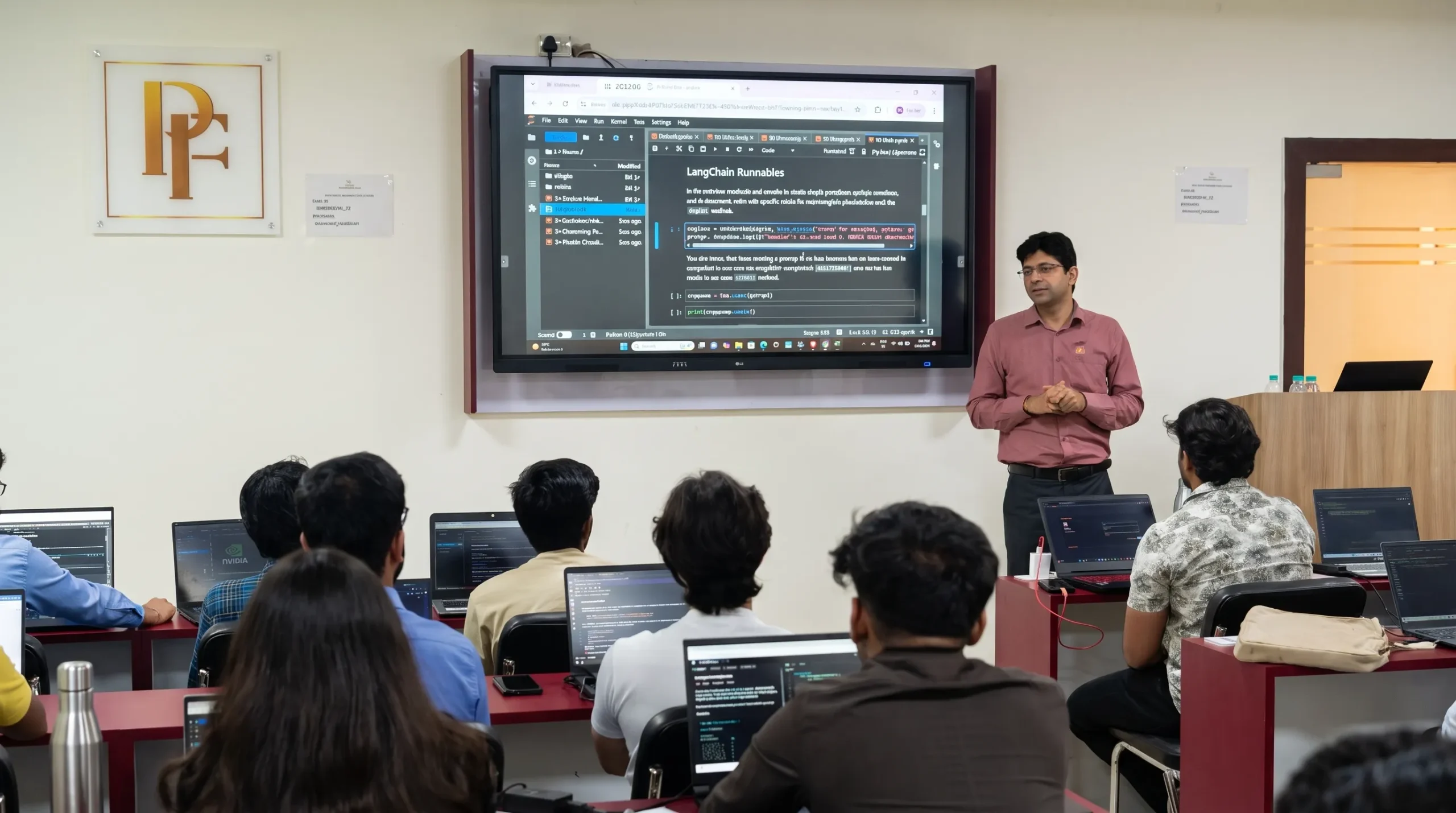
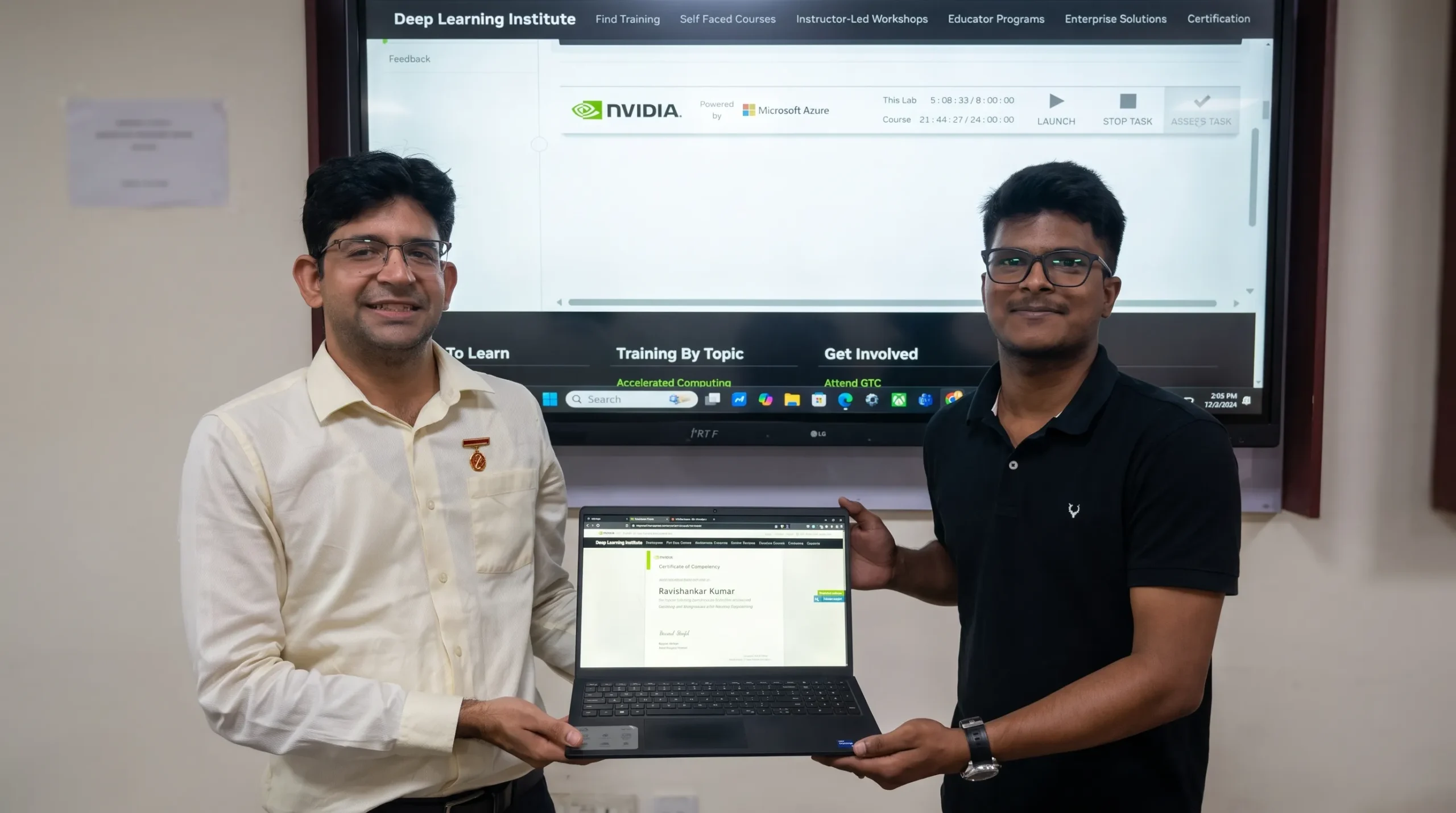

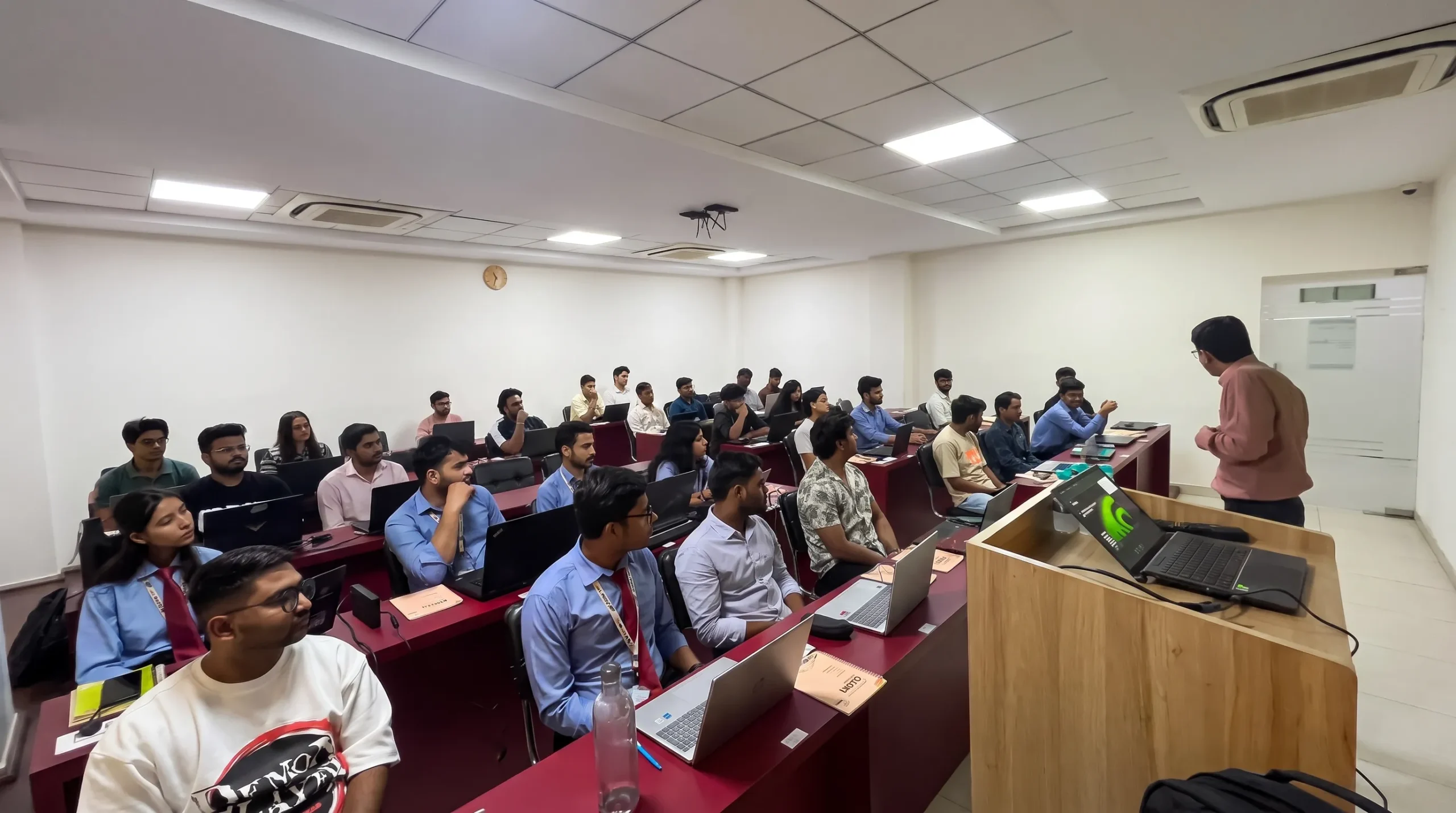
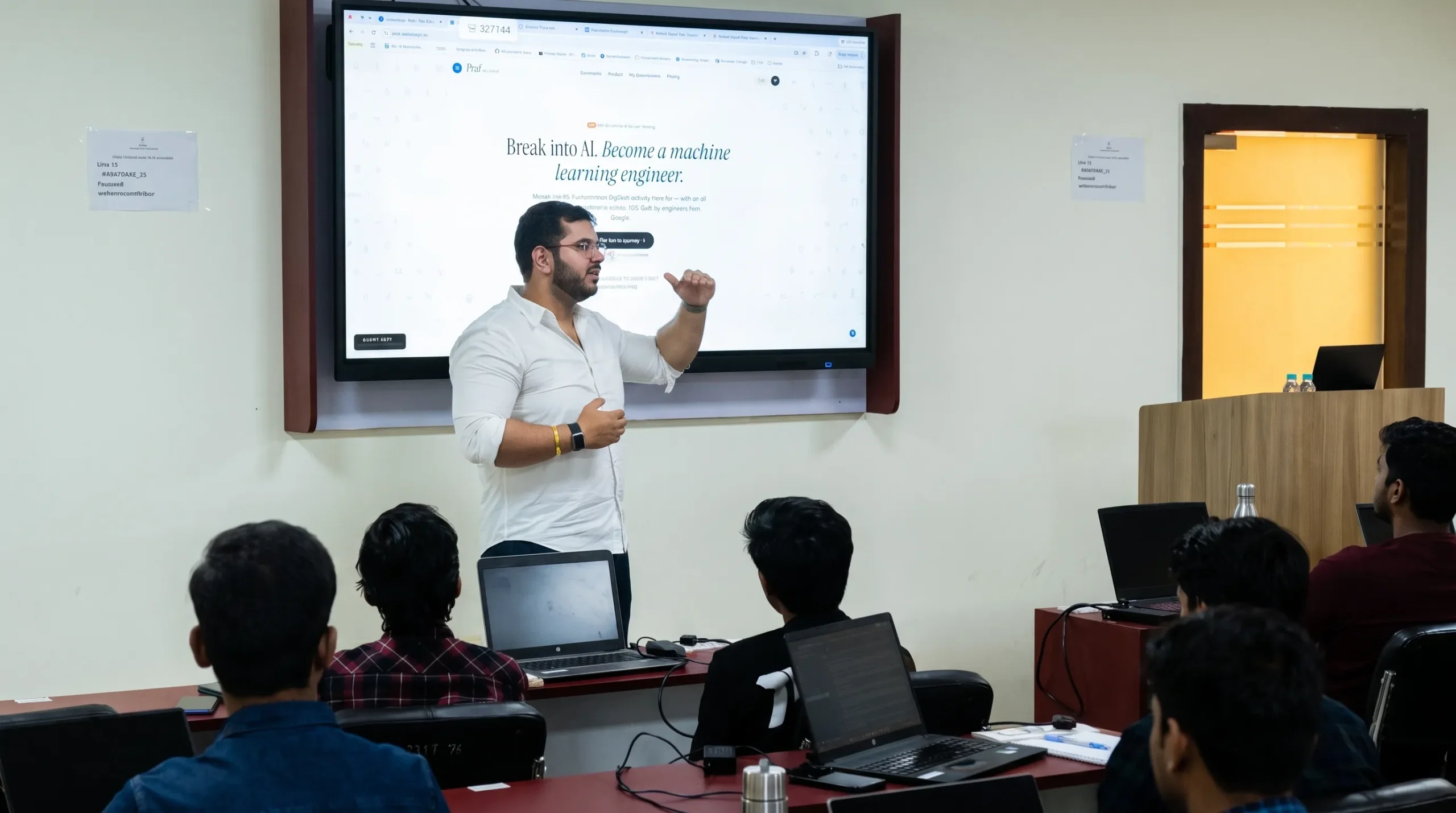

Students speak



Frequently Asked Questions
Find answers to common questions about the Data to Decisions: Official Google Cloud Track.
Data to Decisions is a structured Google Cloud learning programme that develops skills across data engineering, analytics and Generative AI. The programme progresses from working with enterprise data in BigQuery to visualising insights in Looker and understanding organisational AI strategy.
The programme is suitable for aspiring and working data analysts, business analysts, BI and reporting analysts, analytics engineers, AI programme leads and professionals working in product and operations roles who want to strengthen their data and AI skills.
You will learn how to query, clean, transform and analyse enterprise data, build scalable data pipelines, create dashboards and visualisations, work with Generative AI concepts and understand how AI adoption can be planned and governed within an organisation.
The programme includes practical work with Google Cloud technologies such as BigQuery, Dataform, BigQuery Studio and Looker. Learners also explore Generative AI and AI-assisted workflows as part of the structured learning path.
No prior programming or advanced cloud background is required. The programme progresses from foundation concepts to more advanced data and AI topics. Basic familiarity with SQL can help learners progress faster, but it is not required to enroll.
The programme follows a three-layer structure. The Foundation Layer focuses on BigQuery and data analysis, the Insight Layer develops analytics and visualisation skills using Looker, and the Strategy Layer focuses on Generative AI leadership and organisational AI adoption.
Yes. The programme includes hands-on labs and classroom activities designed to help learners apply Google Cloud concepts in practical scenarios. The curriculum combines instructor-led learning with exercises using enterprise data and cloud tools.
On successful completion, learners receive three official Google Cloud course credentials. These credentials are issued and verified through Google Cloud.
The programme includes more than 40 hours of structured learning. It combines classroom instruction, hands-on labs and practical activities across the three learning layers.
Yes. Generative AI forms part of the programme's strategy layer. Learners explore foundational LLM concepts, prompt engineering, the Generative AI ecosystem and how organisations can plan and deploy scalable AI initiatives.